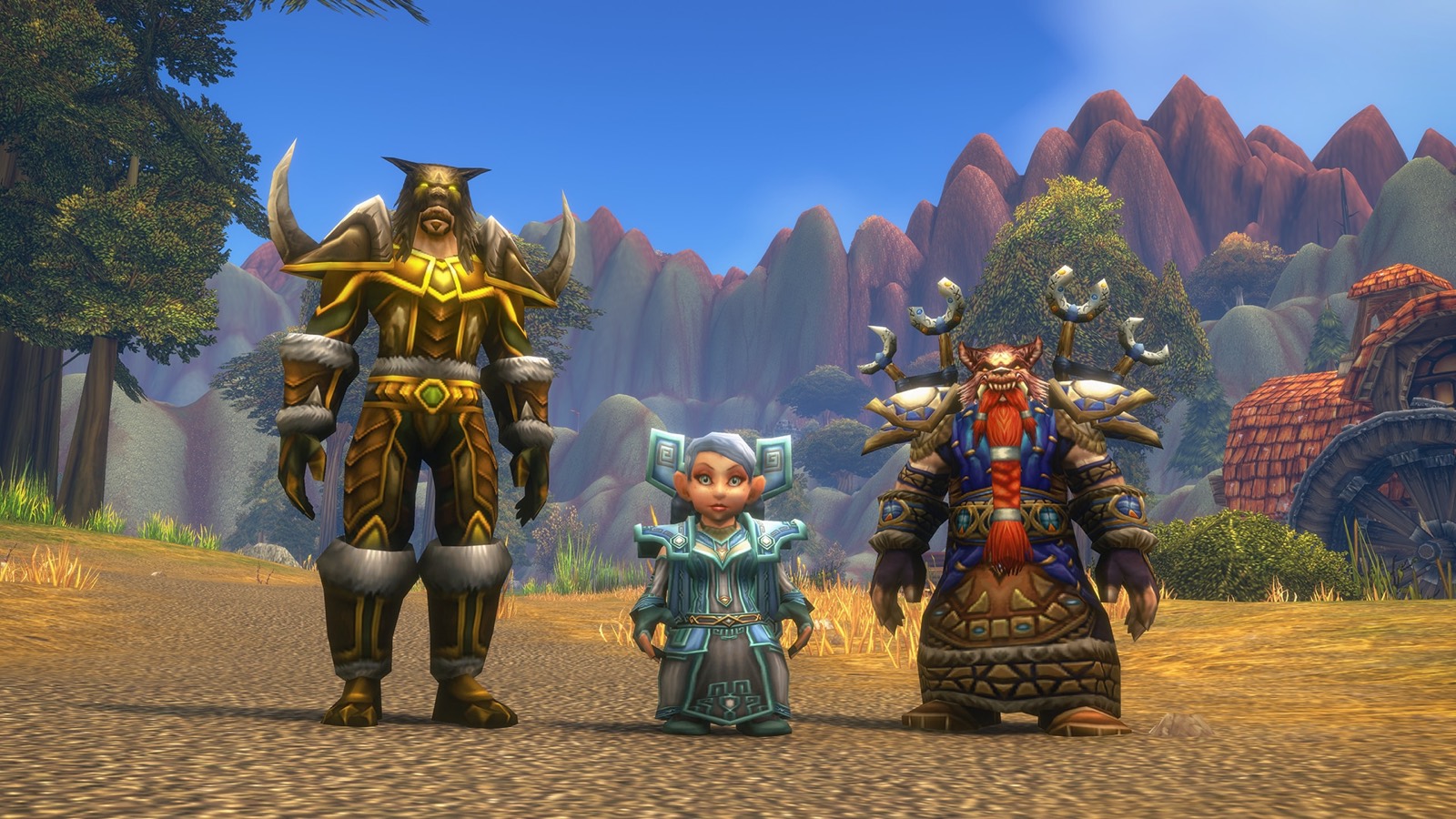
Stand close to the player, right-click their portrait and choose Trade. Each of you drags items into the window or adds gold. The trade goes through only when you both click Trade. These are the standard WoW controls. We haven't checked every label in the Forever client, so the wording may differ slightly.
Step by step
- Get close. Trading only works at short range.
- Right-click their portrait, then Trade.
- Drag items from your bags into your side of the window, or click the gold field and type an amount.
- Check their side.
- Click Trade. If either of you changes anything, both have to click again.
The lowest slot
The bottom slot is for items that won't be traded, such as a weapon you want an enchanter or a rogue's lockbox. The other player works on it, and it comes back to you.
What you can't trade
- Soulbound items. Anything that binds when picked up or equipped is yours for good. The tooltip says so.
- Across factions or rulesets. You can only trade with players you could group with. See can't invite friends.
Avoiding scams
- Read the window, not the chat. Only what's shown when you click Trade counts.
- Check the gold amount digit by digit. 10 silver and 10 gold look alike at a glance.
- Use mail with COD for deals with people who aren't nearby. See sending mail.
- Never buy gold for real money. See gold buying bans.
More
For items that drop in a group, see Need, Greed or Pass. More basics for new players are in the beginner guide.