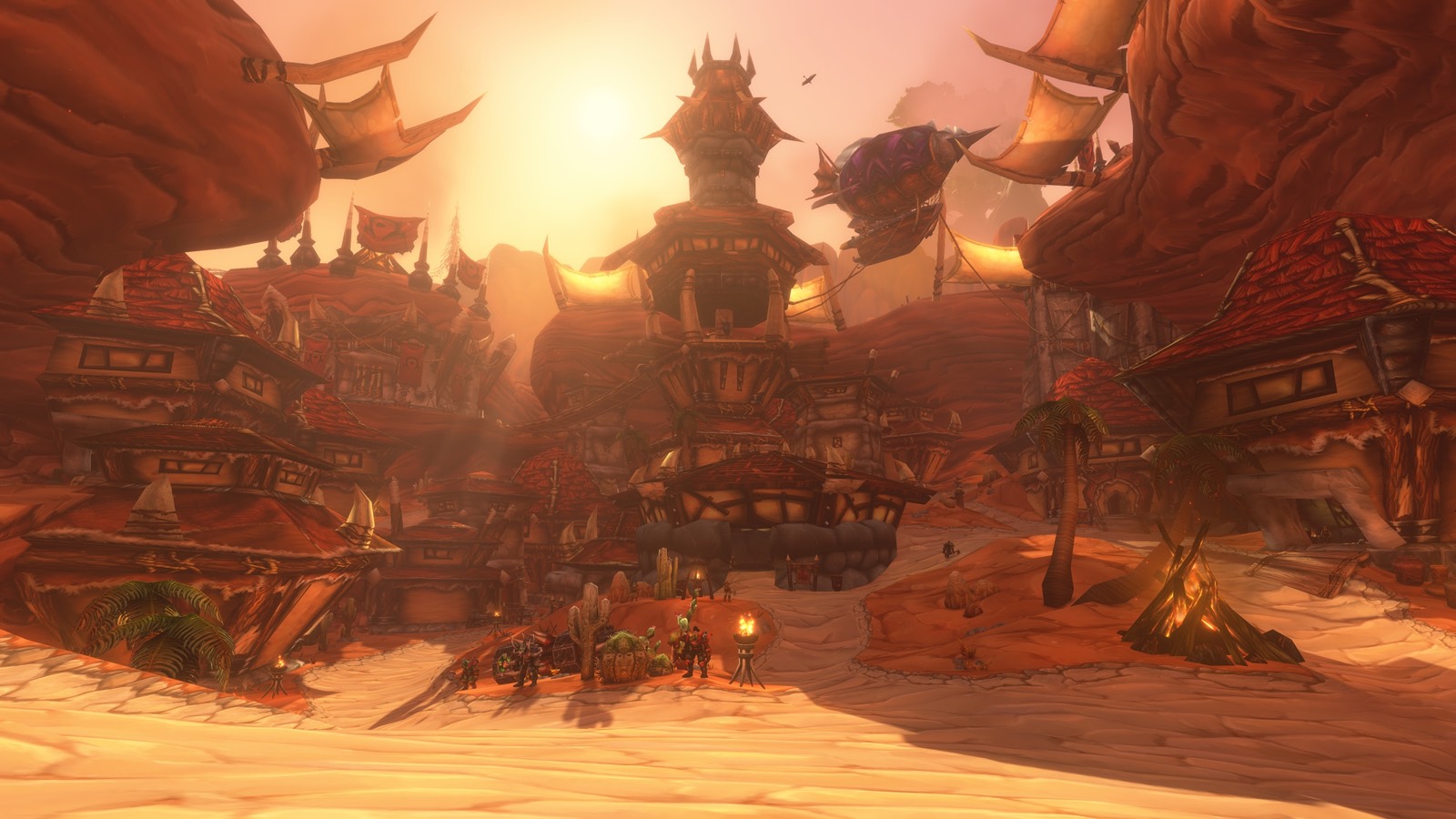
Talk to an innkeeper and pick the option to make that inn your home. Your hearthstone then teleports you back to that inn. It has a 1-hour cooldown, which we read from Forever's own game files. You can only have one home at a time, and setting a new one replaces the old one.
Step by step
- Find the inn in any town. Innkeepers are marked on the map.
- Right-click the innkeeper and choose "Make this inn your home".
- Confirm. The game tells you your new home.
- To go back, use the Hearthstone in your bags. It takes 10 seconds to cast, and you can't be moving or in combat.
Hover over the hearthstone to see where it's set to and how long the cooldown has left.
Where to set it while leveling
- Your current questing town. You can hearth back to hand in quests, then fly out again.
- Near a flight master. Your hearth goes out, and the flight path brings you back. See boats, zeppelins and flight paths.
- Your capital city once you're past 40 or so. That's where trainers, the bank and the auction house are.
Inns are also where you build rested experience. Log out in an inn or a city to earn it faster.
Lost your hearthstone?
If you deleted it by accident, talk to any innkeeper. They can give you a new one.
Not the same as a portal
Mages can teleport themselves to capital cities and open portals for others. That's separate from the hearthstone and doesn't use its cooldown. For every way to get around, see how to get to every zone.