WoW Forever install greyed out or not available: what to check
Updated 2026-11-02
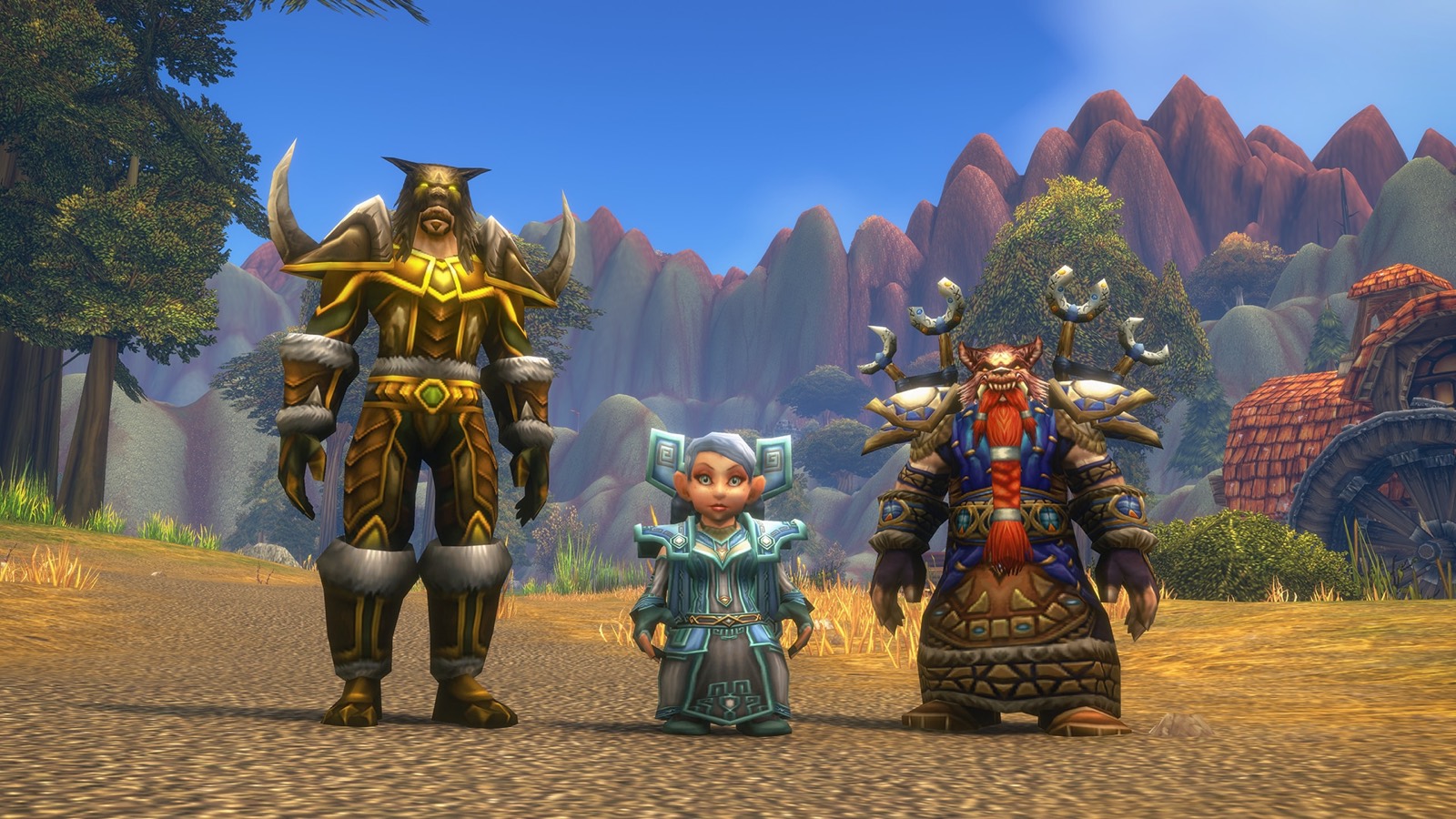
If your WoW Forever install is greyed out or says not available, the usual reason before launch is simple: your subscription or Game Time gives you access starting 4 November (Battle.net Shop). Only owners of a Skyborne pack had an early install, for name reservation. After launch, work through the checks below.
Confirmed: the access date and install steps, from Blizzard. Unverified: whether anyone without a pack can pre-download. Blizzard hasn't announced a pre-download for them, and player reports disagree.
Check these in order
- Your time. Servers open 4 November at 3:00 pm PST. See the launch hub for your zone.
- Your access. You need an active subscription or Game Time on the WoW account you're installing with. A pack only counts for the specific WoW account it was bought for.
- The right account. If you have several WoW accounts, Battle.net shows a second dropdown. Pick the one that has access.
- The right version. Open World of Warcraft in the Battle.net app and choose WoW: Forever in the Game Version menu (Blizzard's steps).
- Disk space. Blizzard asks for 128GB free on an SSD. See system requirements.
- Updates. Let the Battle.net app update, then restart it. Blizzard also asks you to update your operating system and graphics drivers.
Things players report
These come from posts on Blizzard's forums, not from Blizzard, so they're Unverified:
- The app was signed in to the wrong region. You can change region from the cogwheel on the Battle.net login screen.
- Another WoW client was running. Some players had to close it first, and others say it made no difference.
If it's still greyed out
Contact Blizzard Support or post in the Technical Support forum. Include any error code the app shows.
About download workarounds
You'll see forum posts with command-line install tricks for the "wow forever download workaround" search. Blizzard hasn't published them and they were written for the beta, so we don't list them or recommend them. If the app won't install the game for your account, it's a question for Support.
Once you're in, the launch hub has a first-hour checklist.