Classic or Enhanced preset in WoW Forever: which to pick
Updated 2026-11-02
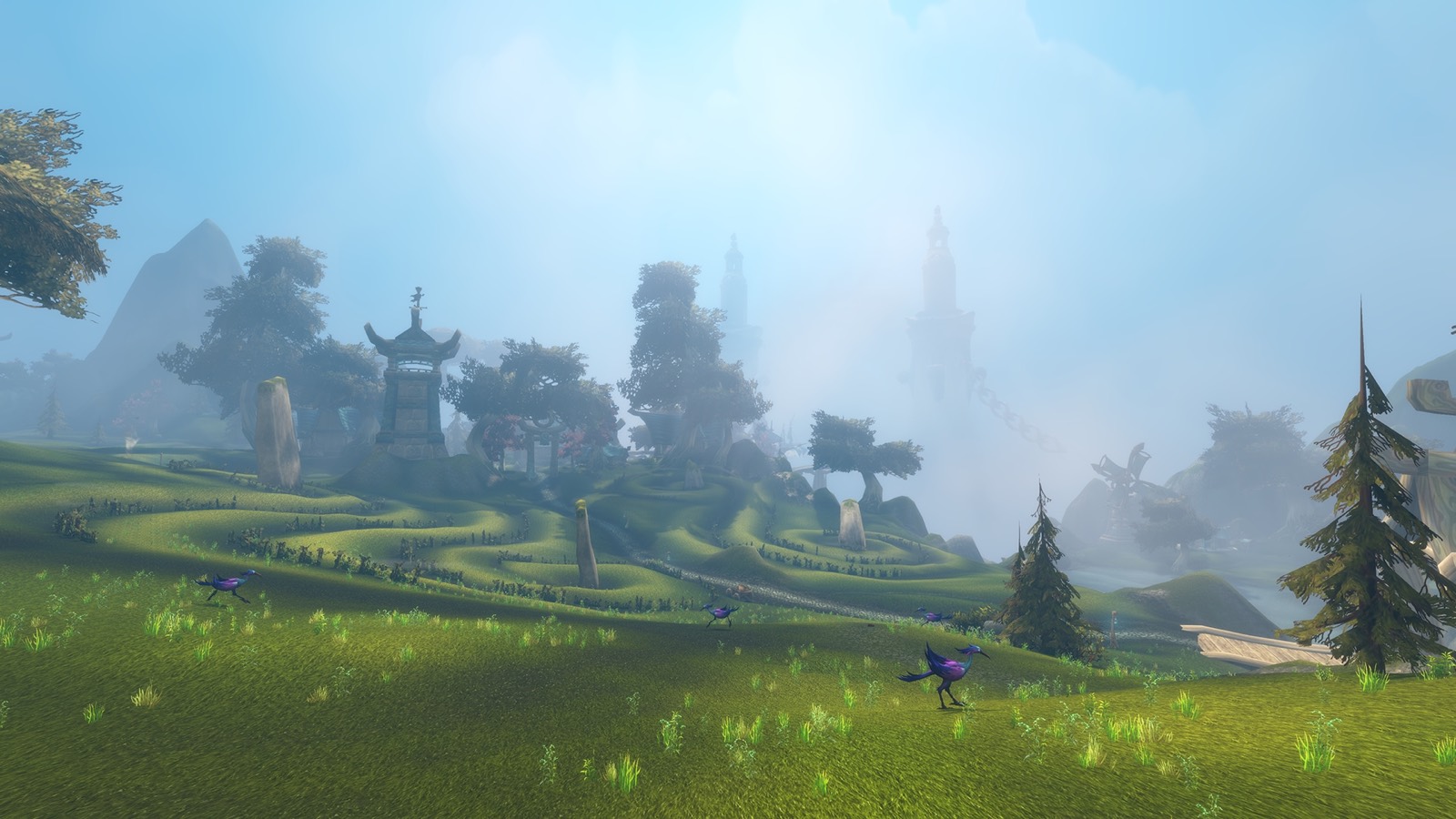
When you first log in, Forever asks you to choose an experience preset, before you pick a ruleset. You won't see that screen again, but it only sets your starting options, and you can switch later under Options, then System, then Preset. Blizzard lists what each one does in its new player guide.
Classic
- Standard-definition character models.
- No quest markers or objective areas on the map: you read the quest text.
- Separate bags.
- No transmog.
- Keys that turn the camera, and the classic screen layout.
Enhanced
- HD character models.
- Quest markers and objective areas.
- One combined bag.
- Transmog.
- Strafe keys and a centred layout.
Our take
Blizzard's own suggestion if you're unsure is Enhanced. If you played Classic and want that feel, pick Classic. If you're new, or you just want to get to 60 without searching for a quest's kill area, pick Enhanced. Neither one changes your character's power.
The quest markers matter more in Forever than they did in Classic, because Blizzard has added more than 1,000 new quests. Your memory of the old zones won't help much in places like Riverglades, on our leveling route.
Blizzard says the preset only sets your starting options, so you can change single settings afterwards. One option is to start on Enhanced and turn off quest markers once you know your way around.